
📢 [New] Custom Style for Each Offer & Live Preview
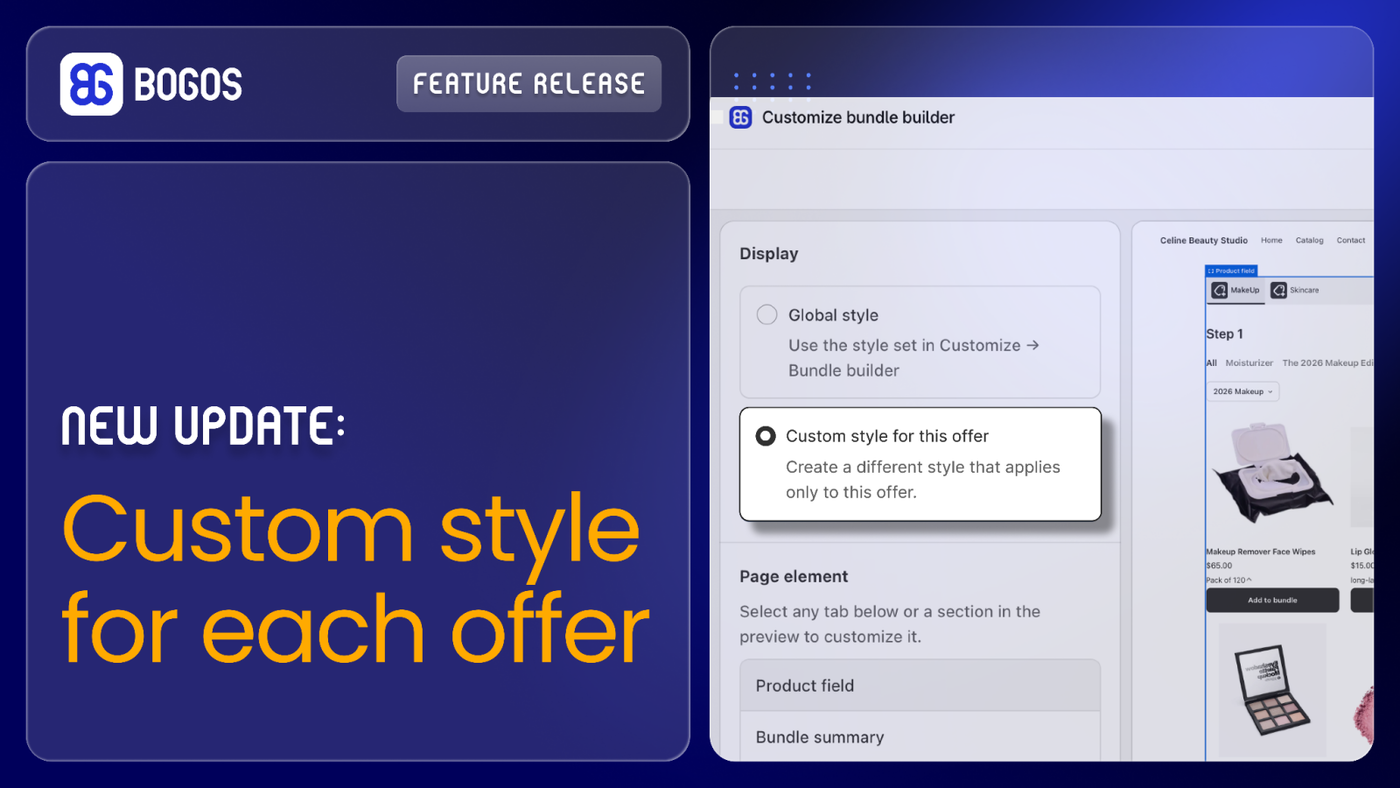
Give each offer its own look. Now you can style an offer differently from your Global style, and see every change instantly as you edit.
💥 Why you’ll love it:
- Choose Global style or Custom style for each offer.
- Custom style applies only to that offer, so your other offers stay unchanged.
- Live Preview shows your changes right away while you customize.
- Available for all Bundle and Discount offers.
👉 How to use: Open the offer setup → Click Customize this offer → Select Custom style → Adjust the settings and click Save.
⚠️ Notes: The first time you select Custom style, it starts with your current Global style values, so you only need to adjust what you want to change.
Need a hand?
Feel free to reach out to our human support team; we're here to help!
P/S: Follow us on LinkedIn for live product updates and daily expert tips!