
📢 Update: Edit Gift Quantities
Setting custom quantities for gifts is now available with the “Automatically all gifts” option! This way, when customers qualify, gifts are auto-added to cart in the quantities you set.
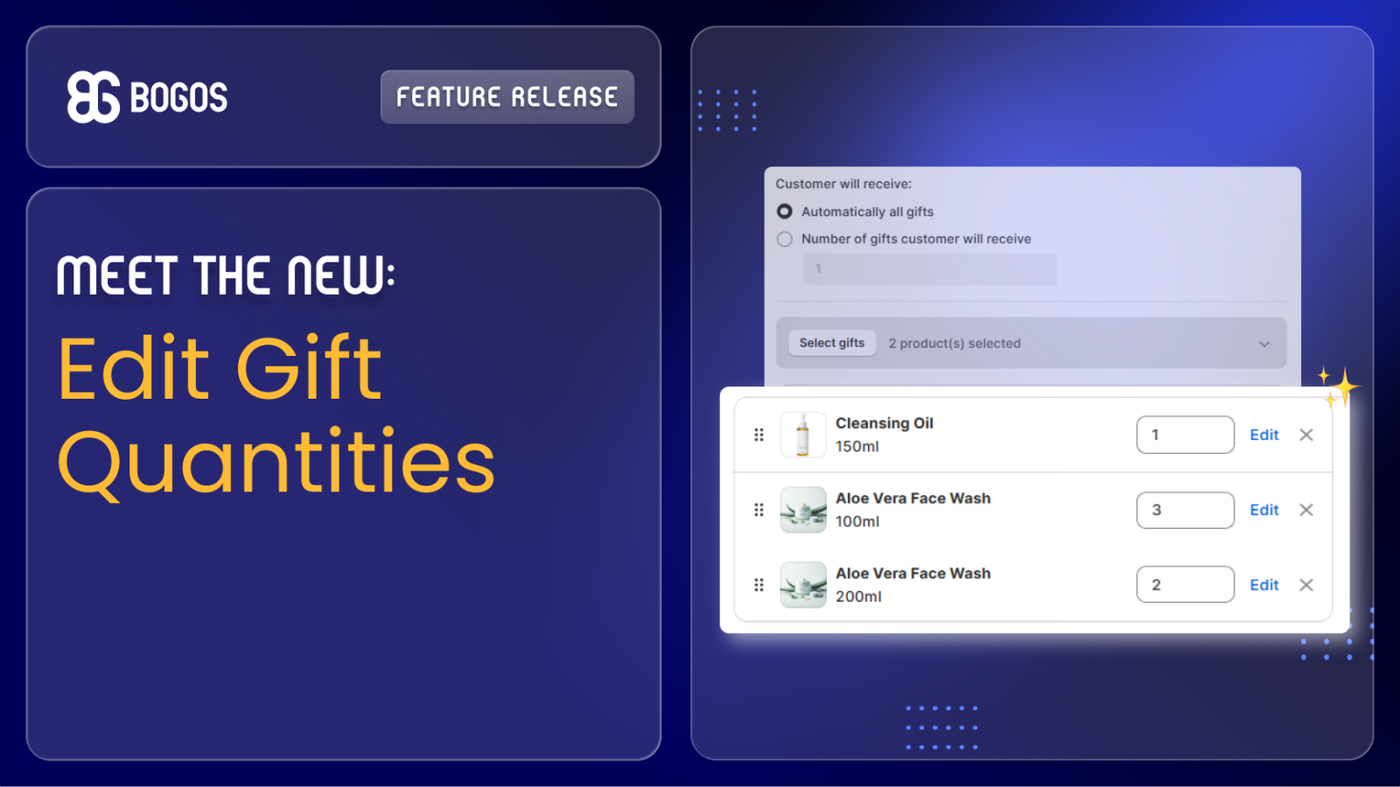
- Before: Customers auto-got 1A + 1B + 1C.
- Now: Customers can auto-get 1A + 3B + 2C (you control each quantity).
👉 How to use: Go to Gift Offer → Select Gifts → Choose Automatically all gifts -> Set quantities for each gift.
👉 Need help? Check our Help Doc or reach out to our support team — we've got you!
P/S: Follow us on LinkedIn for live product updates and daily expert tips!